Instant Play, No App Needed
01Play Gemmed! in Your Mobile Browser
Open Gemmed! in your phone or tablet browser and spin the 9x9 grid in seconds.
Download from partner site- Max payout
- 21667x
- Return to player
- 96.46%
- Reel count
- 9x9
- Lines
- 40, 503 ways
- Volatility rating
- high
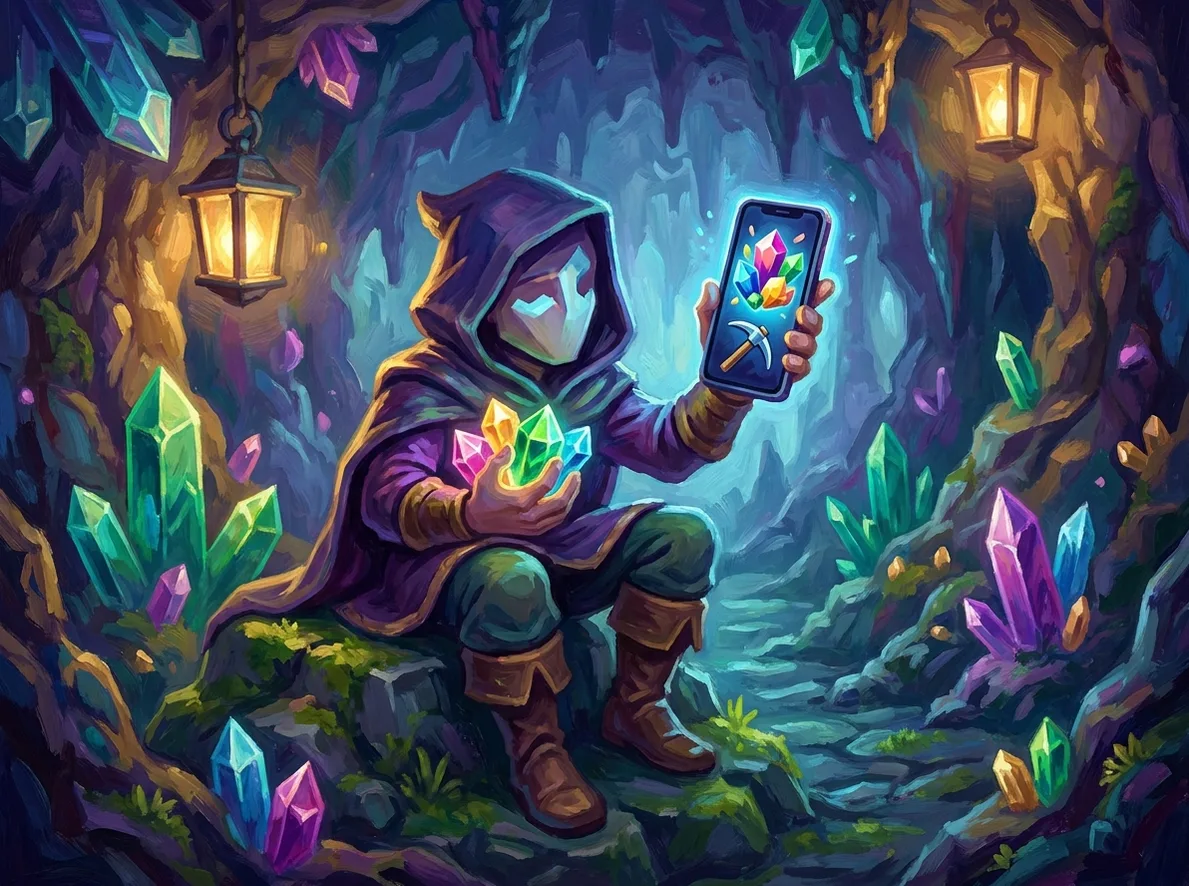
Open Gemmed! in your phone or tablet browser and spin the 9x9 grid in seconds.
Can You Play Gemmed! Directly in a Mobile Browser?
Yes. Gemmed! runs on HTML5, so it loads directly in Chrome, Safari, or any modern mobile browser without downloading a separate app or client.
- No install or update required — the game loads fresh each session.
- Works on both phones and tablets, portrait or landscape.
- Demo access depends on the operator hosting the game, not on the game itself.
RTP on Mobile vs Desktop
96.46%
Gemmed! runs on a single confirmed configuration of 96.46% regardless of device — the browser version on mobile uses the same math model as desktop, so the return doesn't change when you switch screens.
Mobile Browser Play: Strengths and Trade-offs
- No download or app store step — tap a link and the grid loads.
- High volatility means swings can feel sharper on a small screen where session pace is often faster.
- HTML5 build scales cleanly across phone and tablet screens.
- No bonus buy option, so mobile players wait for scatters like everyone else.
- Same 40,503-ways engine and features as the desktop version, nothing stripped down for mobile.
- Stake limits and demo availability depend on the operator, not on a fixed mobile spec.
How Gemmed! Handles on a Touchscreen
The 9x9 grid is the main thing to get used to on a phone. Betsoft's MaxPays engine tracks contiguous blocks of matching gems across 40,503 ways, and on a small screen that means more finger movement to scan the board than on a five-reel slot. Landscape orientation gives the clearest view of the full grid; portrait mode works but compresses the columns.
Touch controls map cleanly onto the standard spin, bet, and autoplay buttons. There's nothing exotic about the interface — no swipe gestures or multi-touch tricks — which keeps the mobile browser experience close to a straight port rather than a redesign.
Variable-size symbol blocks, sometimes covering large sections of the grid, read well even at phone resolution because Betsoft renders them as single connected shapes rather than a cluster of small icons. That's one area where the HTML5 build holds up better than older Flash-era slots would have on a comparable screen.
Free spins, triggered from five or more scatters, play out the same way on mobile as on desktop: 15 spins at the low end, scaling up to 50 for ten or more scatters, with retriggers possible. Nothing about the feature is trimmed for the smaller format.
One practical note: because this is a browser game rather than a native app, a stable connection matters more during longer sessions. The sources reviewed don't document an offline mode or specific data-use figures, so treat connection stability as a normal browser-gaming consideration rather than a documented spec.
Launching Gemmed! on Your Phone
- 1Open your mobile browser — Chrome, Safari, or another modern browser — on a phone or tablet.
- 2Go to a licensed online casino that lists Gemmed! in its slot library.
- 3Register an account or log in if you already have one with that casino.
- 4Confirm you meet the minimum age for your province (19+, 18+ in AB, MB, QC).
- 5Fund your account through the casino's mobile cashier, or open a demo version if the operator offers one.
- 6Tap the Gemmed! thumbnail — the game loads directly in the browser tab, no app or download involved.
- 7Set your stake within the casino's mobile limits and spin the 9x9 grid.
Gemmed! Next to Other Browser-Friendly Gem Slots
Shares the gem theme and studio but uses a conventional reel-and-payline structure instead of the 9x9 MaxPays grid.
Built on the same mobile-first browser architecture, so load behaviour and touch controls feel consistent across the studio's catalogue.
Typically load faster on small screens simply because they render fewer symbol positions than Gemmed!'s 9x9 grid.
Mobile Browser Questions
Do I need to install anything to play Gemmed! on my phone?
No. The game runs on HTML5 and loads directly in the browser tab you already have open — there's no separate app or plugin to install.
Does the 9x9 grid work as well on a phone screen as on desktop?
The grid scales to fit the screen, but landscape orientation gives a clearer view of all 40,503 ways than portrait mode does on smaller phones.
Is the free spins feature different when played through a mobile browser?
No. The 15-to-50 spin range from five or more scatters, along with retriggers, works the same regardless of device.
Can I try Gemmed! without depositing on mobile?
That depends on whether the specific casino you're using offers a demo mode — it's an operator-level feature, not something built into the game itself.
Is Gemmed! Worth Loading in a Mobile Browser?
Suits Players who want instant, no-download access to a high-volatility ways slot with a large grid on their phone or tablet.
Less suitable for Players who prefer a smaller, faster-loading grid or who want a native app rather than a browser session.
Gemmed! ports to mobile without cutting corners — the 9x9 grid, 40,503 ways, and free spins feature all behave the same as on desktop, and the HTML5 build means there's nothing extra to install. The main adjustment is visual: reading a large grid on a small screen takes a moment to get used to, and landscape mode helps.